

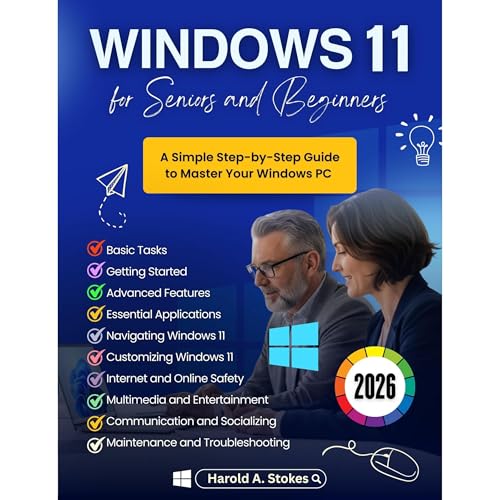
Windows 11 for Seniors and Beginners
A Simple Step-by-Step Guide to Master Your Windows PC
Failed to add items
Add to Cart failed.
Add to Wish List failed.
Remove from wishlist failed.
Adding to library failed
Follow podcast failed
Unfollow podcast failed
Audible Standard 30-day free trial

Windows 11 for Seniors and Beginners
Buy for $14.97
-
Narrated by:
-
Virtual Voice
-
By:
-
Harold A. Stokes

This title uses virtual voice narration
Windows 11 for Seniors and Beginners is your easy-to-follow companion for mastering the latest Windows operating system—without the frustration or tech jargon.
Whether you’re new to computers or upgrading from Windows 10, this book guides you step-by-step through everything you need to know. From setting up your device and customizing your desktop, to using everyday apps, staying safe online, and troubleshooting common issues, every topic is explained in plain, simple language with clear instructions.
You’ll learn how to:
- Navigate the Windows 11 interface with confidence
- Organize files, photos, and documents
- Use email, browse the web, and stay connected
- Adjust settings to match your style and needs
- Keep your computer secure and running smoothly
Designed with seniors and beginners in mind, the instructions are easy to understand, the pace is comfortable, and the focus is on helping you do—not just read. By the end, you’ll feel confident using your Windows 11 PC for work, play, communication, and more.
If you’ve ever felt overwhelmed by technology, this guide will make Windows 11 feel like second nature—so scroll up and click “Buy Now” to start your journey today.